Follow these steps to check if your schema is correctly implemented and working on your Webflow website using two methods.
Method 1: Test with Google Rich Results Test
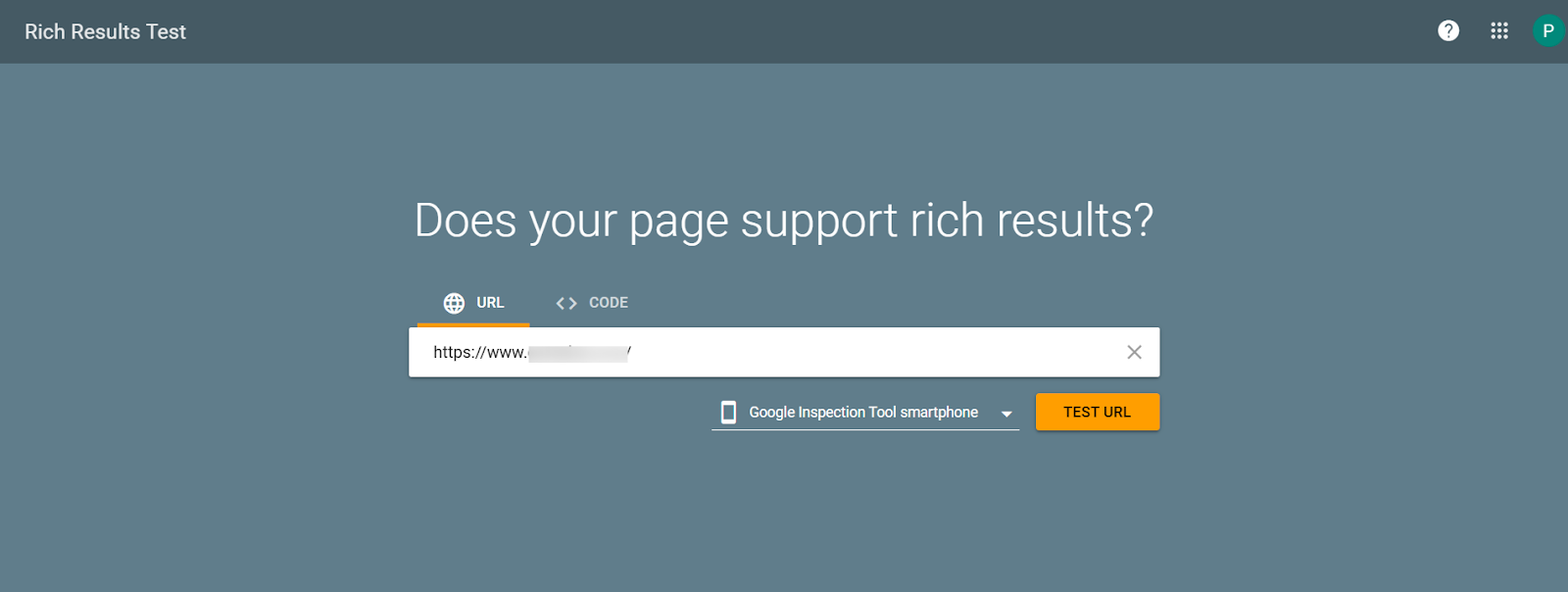
Step 1: Open Google Rich Results Test, enter your page URL in the input field, and click Test URL to run the test.
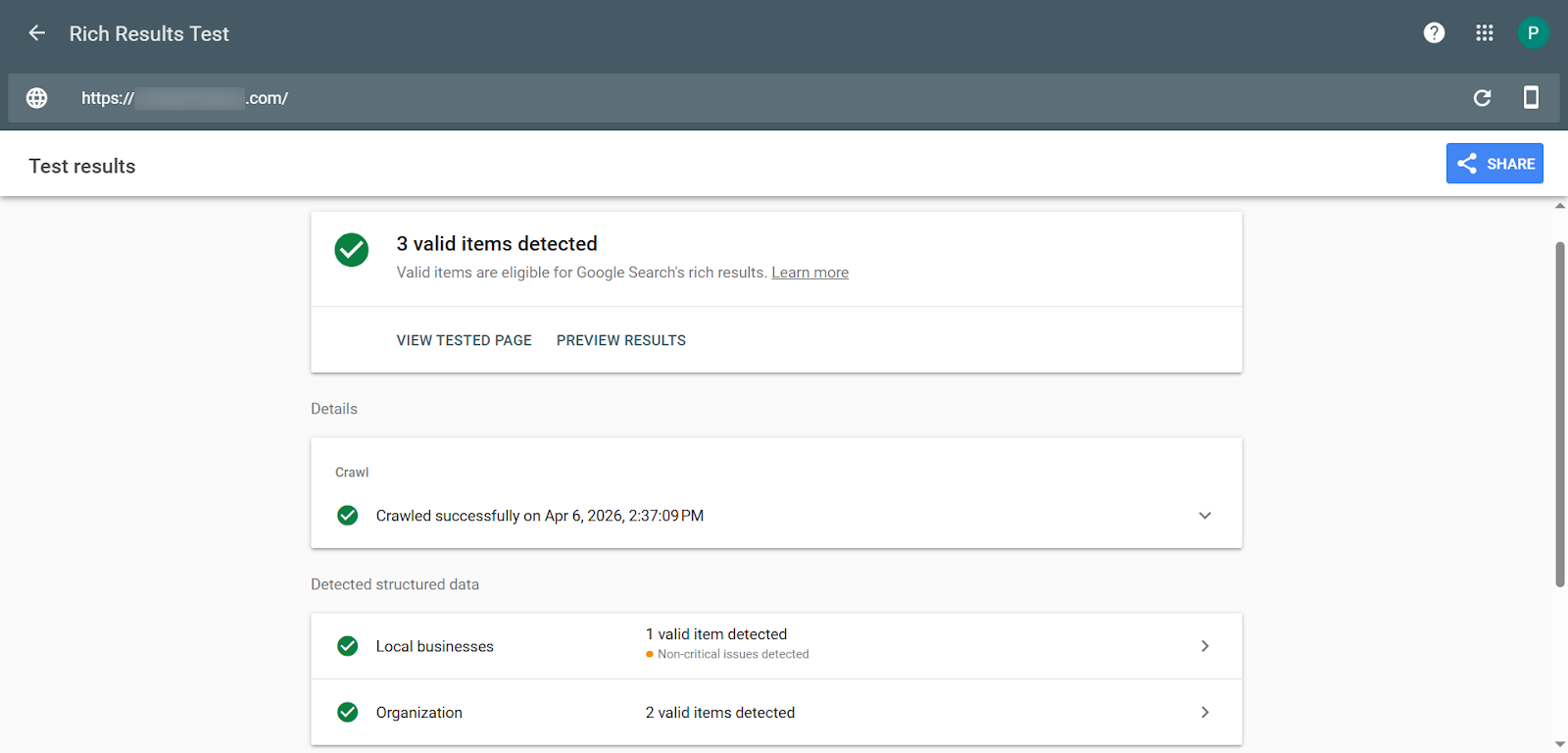
Step 2: You will see the test results showing valid items detected, including schema types like LocalBusiness and Organization, along with their validation status.
Method 2: Use Schema Markup Validator
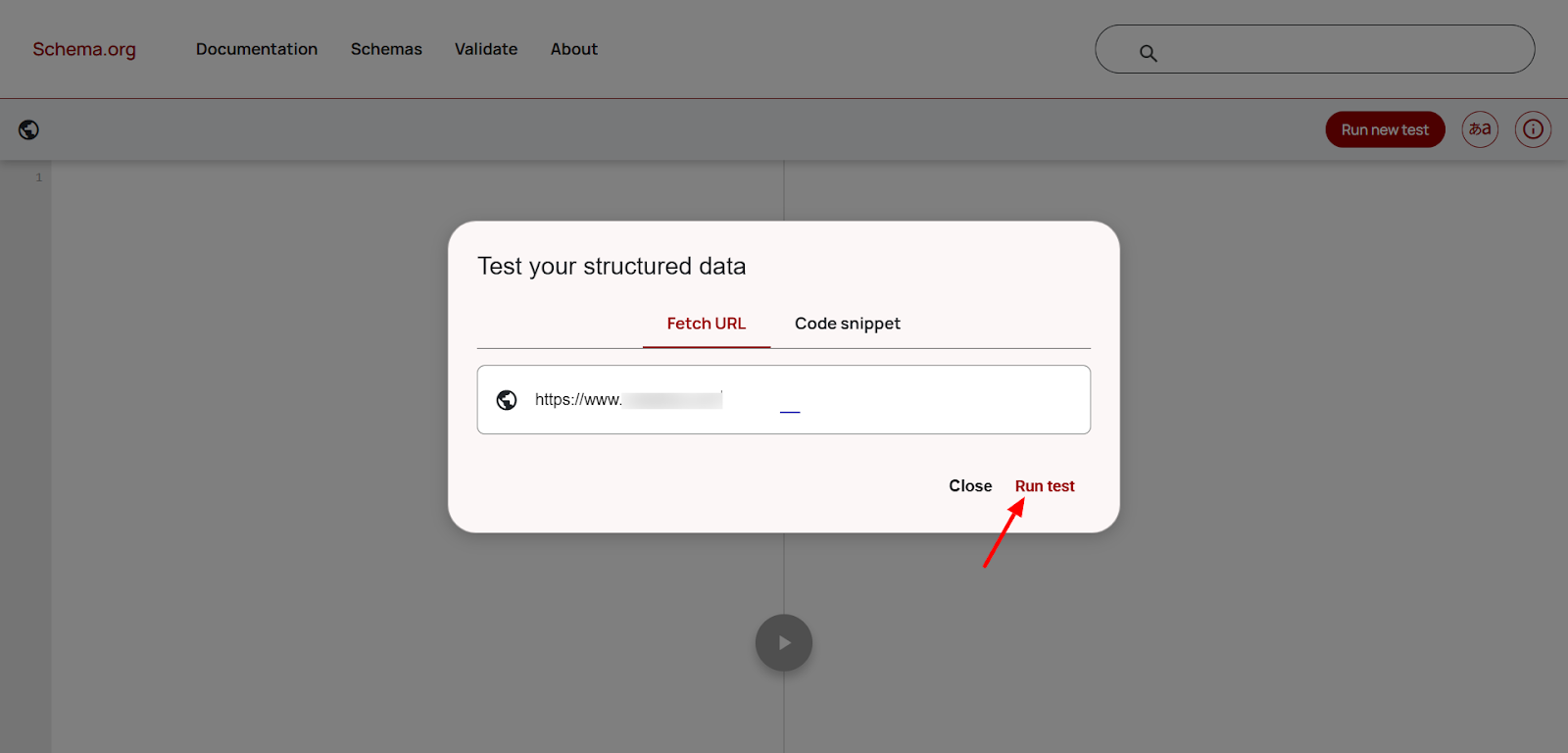
Step 1: Open Schema Markup Validator, enter your page URL in the input field, and click Run test to start validation.
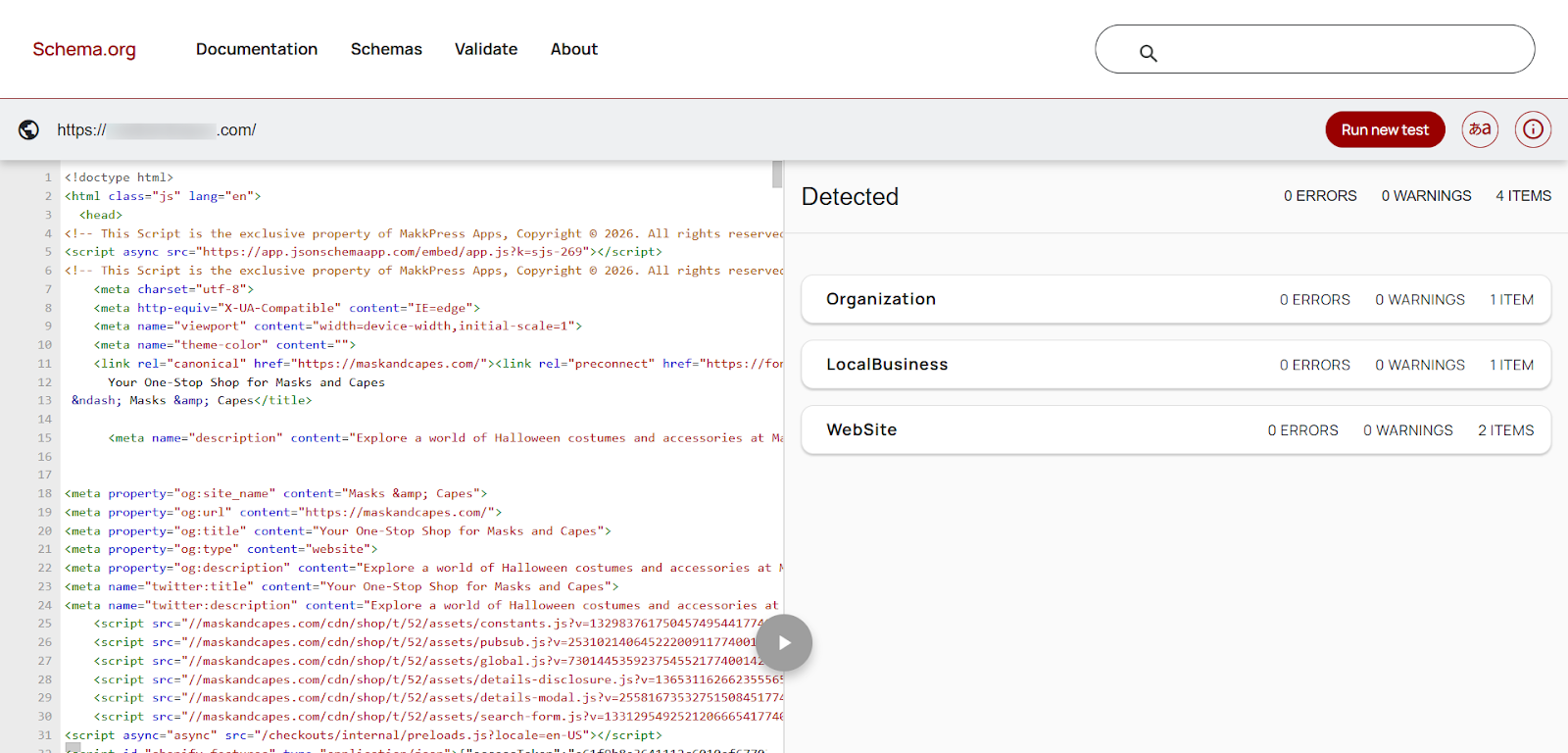
Step 2: After the test runs, you will see the detected schema types, such as Organization, LocalBusiness and Website, along with their validation status and any errors or warnings.
Found this helpful?
( 13 out of 29 found helpful )
