Method 1: Setup Wizard
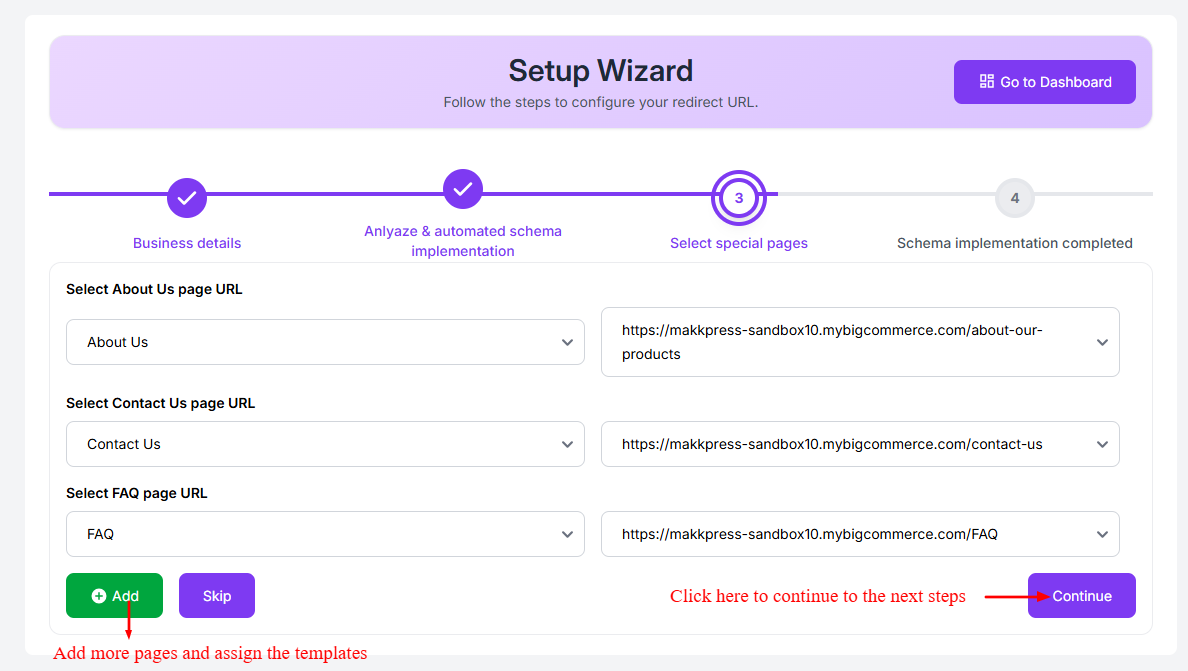
The JSON Schema App allows you to assign schema templates using the Setup Wizard.
It automatically scans your BigCommerce store and recommends the appropriate schema type for each page.
Method 2: Manual Assignment
You can also manually assign schema templates by adding the page URL in Manage Schema and selecting the appropriate schema template for that page.
Found this helpful?
( 17 out of 37 found helpful )
