1. Add Organization Schema
- Open the JSON Schema App and go to the app dashboard.
- Navigate to Manage Schema → Landing Page/Homepage.
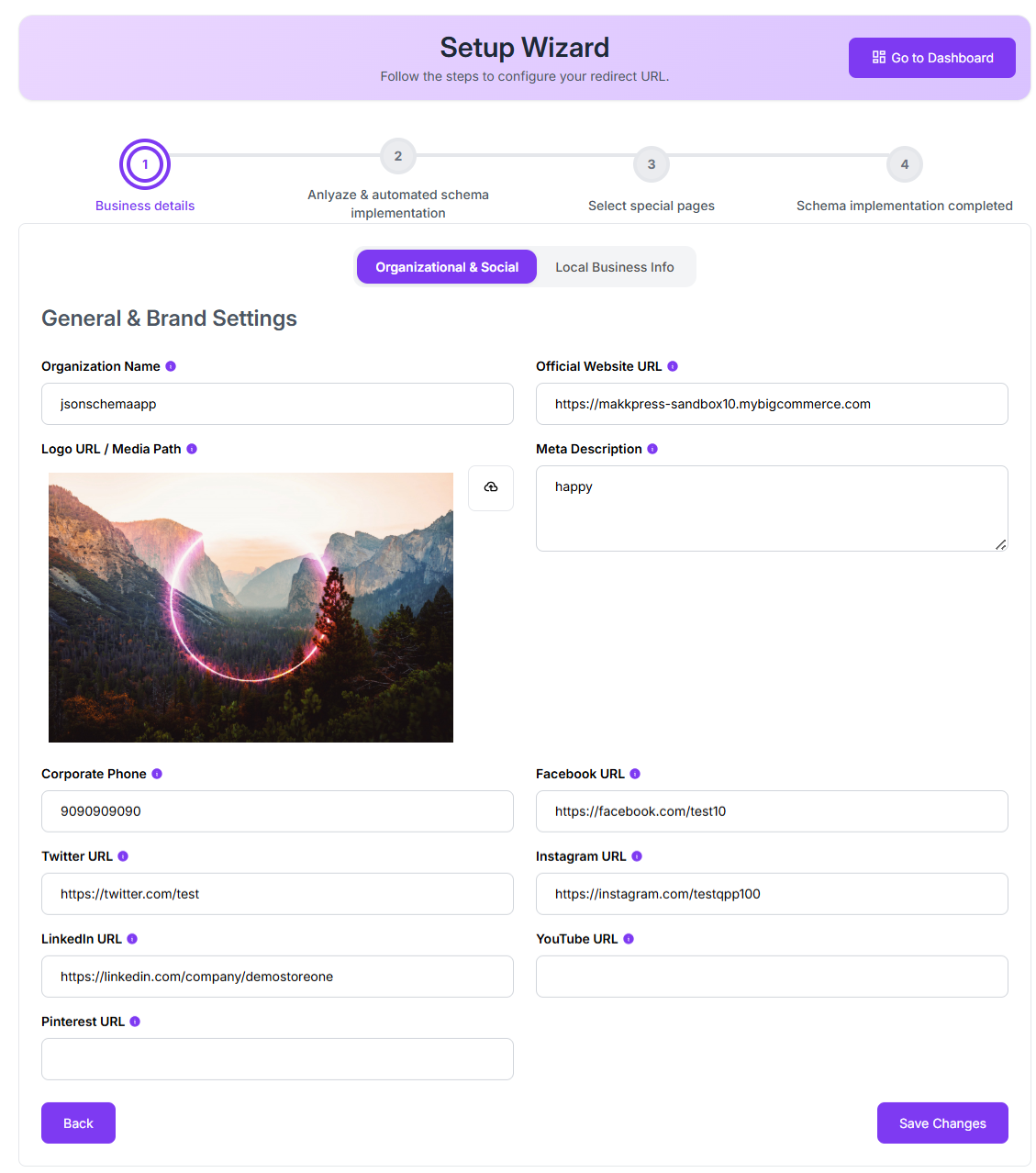
- Enter organization details such as business name, logo, website URL, contact information, and social profiles.
- Click Save.
2. Add Local Business Schema
Open Manage Schema → Local Business.
Enter your business address, city, country, postal code, and opening hours.
Save the settings.
3. Enable Site Search Schema
- Open the Knowledge Graph / Search Settings section.
- Enable Sitelinks Search Box.
- Click Save.
The app will then generate the required JSON-LD structured data for your BigCommerce store.
Found this helpful?
( 19 out of 37 found helpful )
