Follow these quick steps to check if JSON Schema App is properly installed and working on your Weebly website.
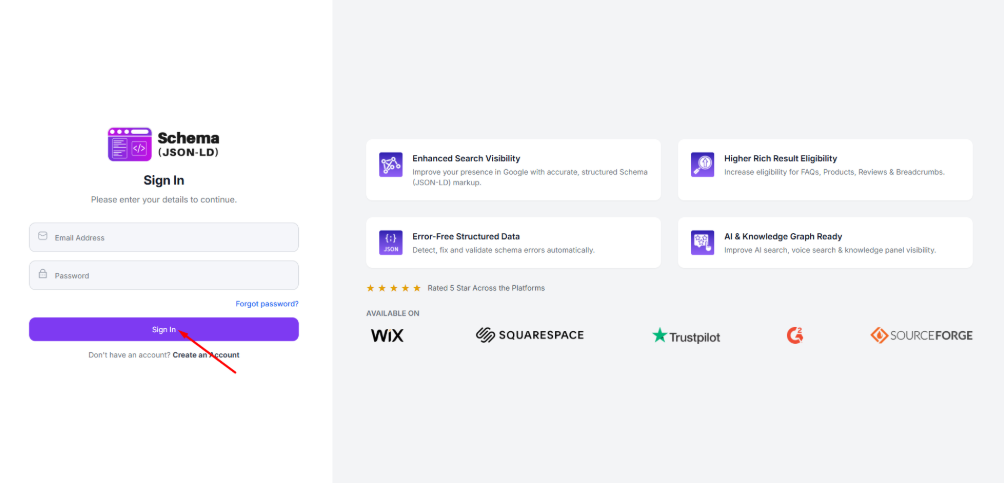
Step 1: Sign in to your Weebly login page using your registered email ID and password.
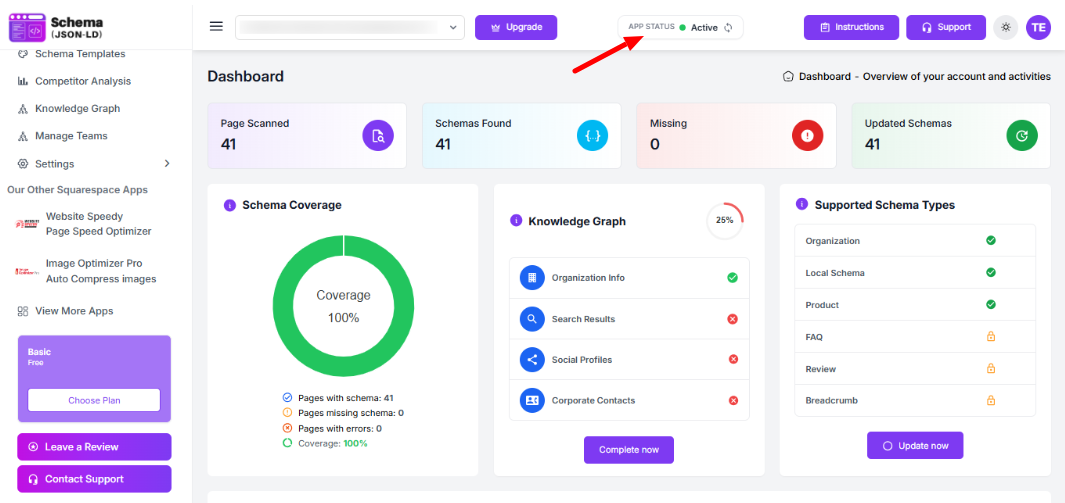
Step 2: Once you’re on the dashboard, check your website status. If it shows Active, it means the schema is successfully applied and working on your store.
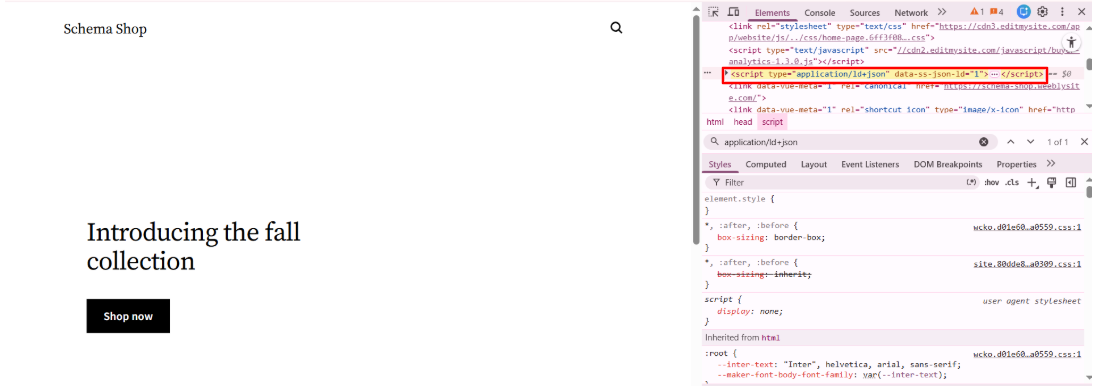
Step 3: Visit your live Weebly website page, right-click, and choose View Page Source. Search for application/ld+json. If JSON-LD code appears, the app is working properly.
Found this helpful?
( 15 out of 28 found helpful )
